Adding a call-to-action button to your navigation
Having a call-to-action (CTA) button in your navigation menu that’s usually visible at the top of your website is a great way to draw attention to an important page or section from your website. It can be your online shop, a reservation/booking system, a contact page, or anything else that helps you achieve your goals.
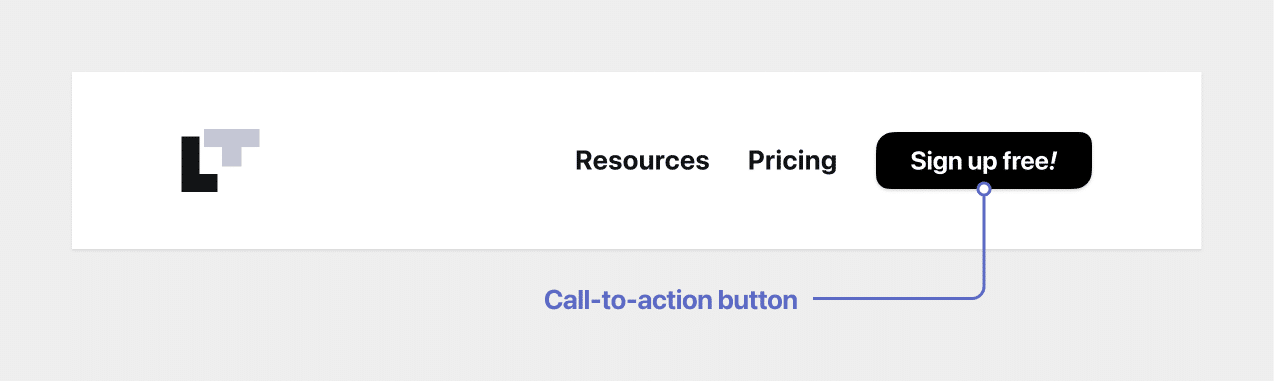
The good thing is that Rosa 2 comes with this option pre-built, so all you have to do is follow a few quick steps:
- First, add a regular menu item to the navigation menu that you will later transform into a call-to-action button. To learn how to do that, read this article;
- Next, from your WordPress dashboard, navigate to Appearance → Customize → Menus;
- Choose a menu, then click on a menu item that you want to transform into a button;
- In the CSS Classes field, add the
is-cta-buttonclass;
(if you don’t see the CSS Classes field, navigate to Appearance → Menus, click on the Screen Options button from the top right corner and check the CSS Classes option. View the screenshot for details) - When you’re done, click the Publish button.
Here’s a step by step video that can guide you through:
Updated on May 9, 2022